Launch an audit in 30 seconds
All you need: a URL and a keyword.
Paste the exact URL of the page you want to optimize.
The keyword you want to rank for. Horusium fetches the Google top 10 for that keyword.
Choose the audit language (FR, EN, DE, ES, IT) and the device (mobile, desktop, tablet).
Classic (fast, 1 credit) or Smart (more accurate on complex sites, 2 credits).
What you get
A complete diagnosis of your page, objectively compared to Google's top 10 results.
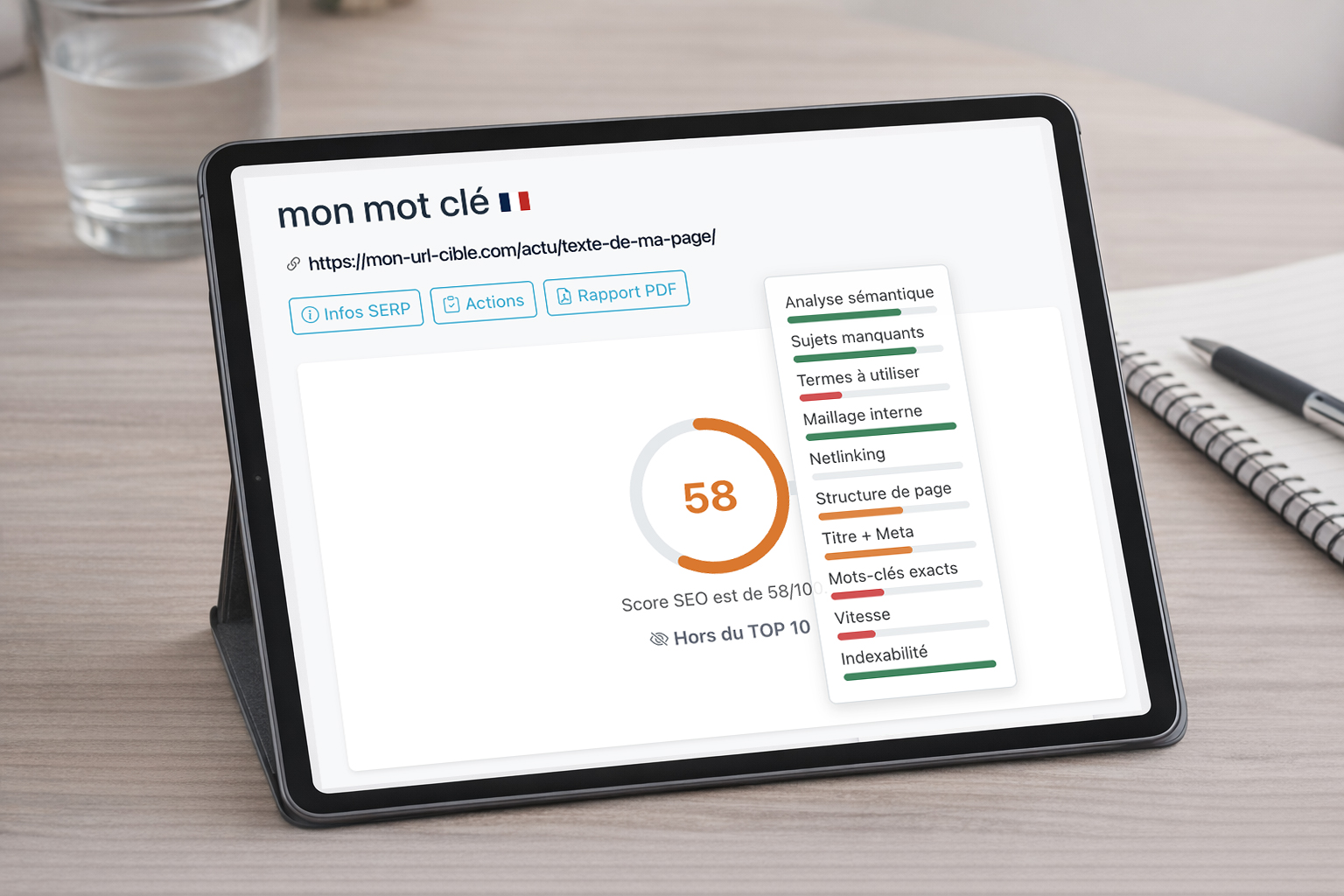
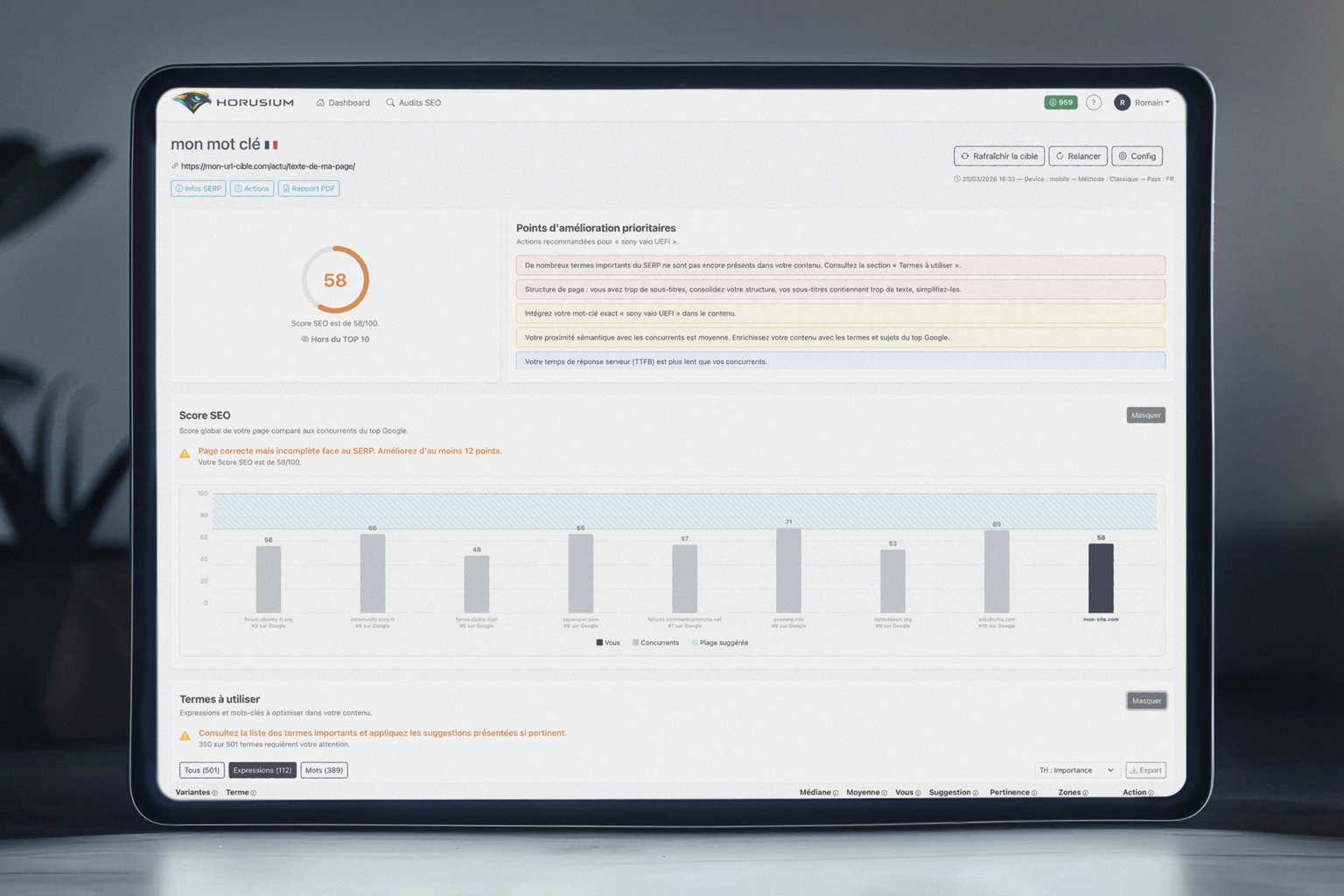
SEO score out of 100
Your page gets a global score computed over 9 modules. Each module compares a specific facet of your page to the standards of the Google top 10.
Priority recommendations
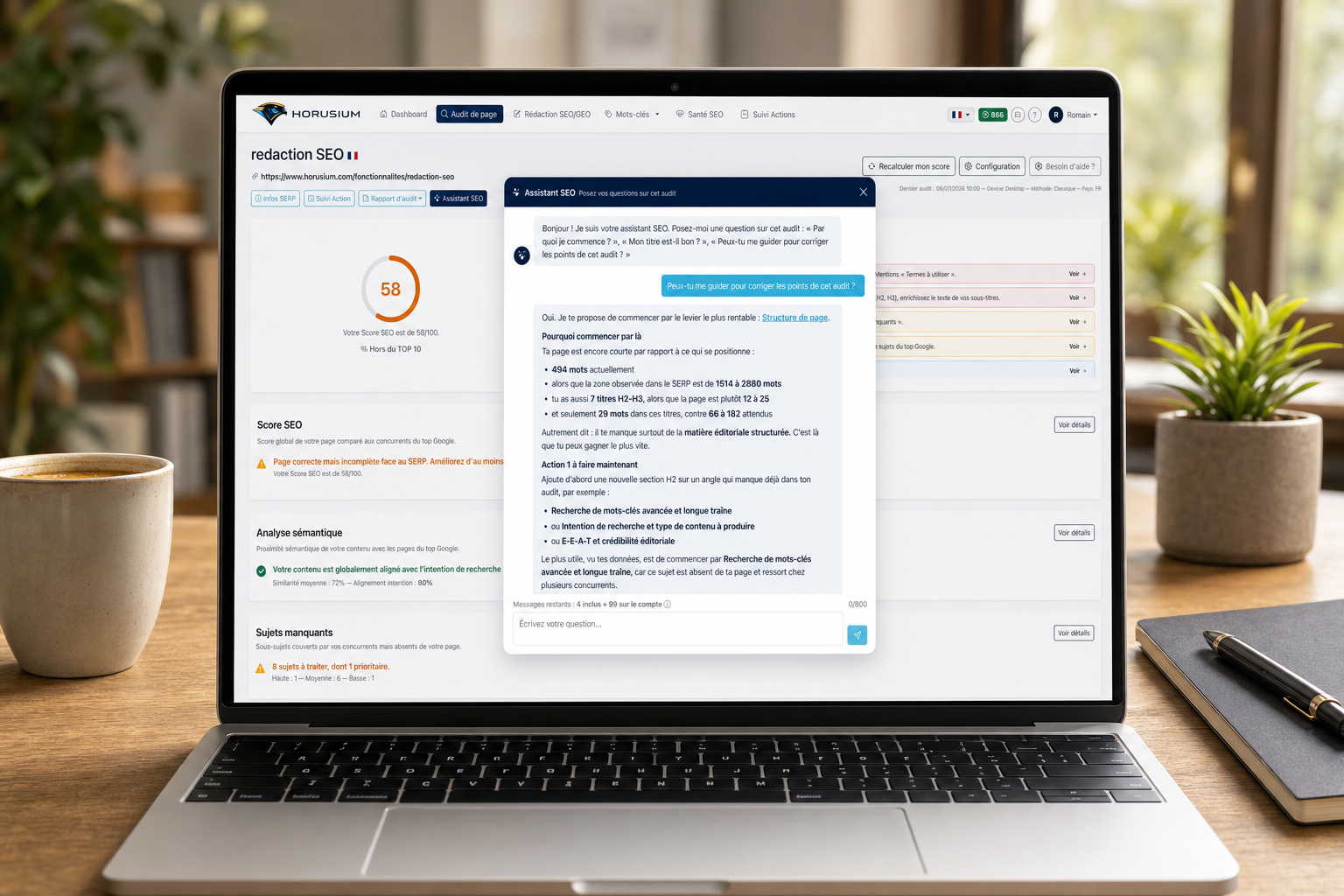
At the top of every audit, a list of the 5 most impactful actions, ranked by importance and impact. You know exactly where to start.
SERP position
If your page is in the top 10, its position is shown in every comparative chart. Otherwise, Horusium tells you whether another page on your site ranks there.
The 9 analysis modules
Each module measures a specific aspect of your page and compares it to the competitors in the Google top 10.
Semantic analysis
Horusium compares your page's semantic field to that of the Google top 10 pages. You instantly see whether your content is aligned with search intent or drifts away from it.
Missing topics
The sub-topics covered by your competitors but missing from your page are identified automatically. Each topic is ranked by priority. You can generate an optimized paragraph in one click to fill every gap.
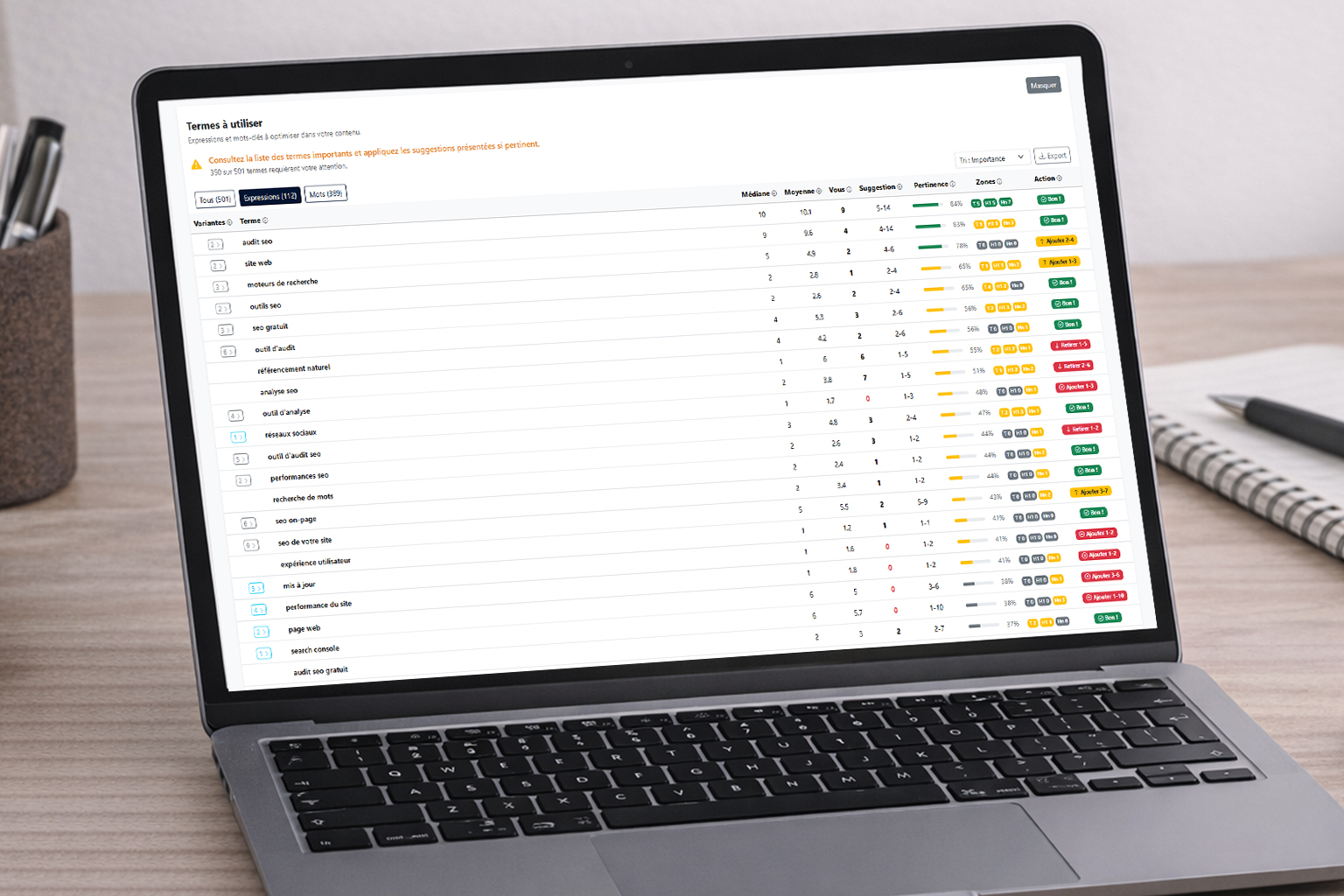
Terms to use
A comparative table shows the key words and phrases used by the top 10 along with their presence in your content. For each term, a target to reach is indicated. You know exactly what to add, strengthen or reduce.
Internal linking
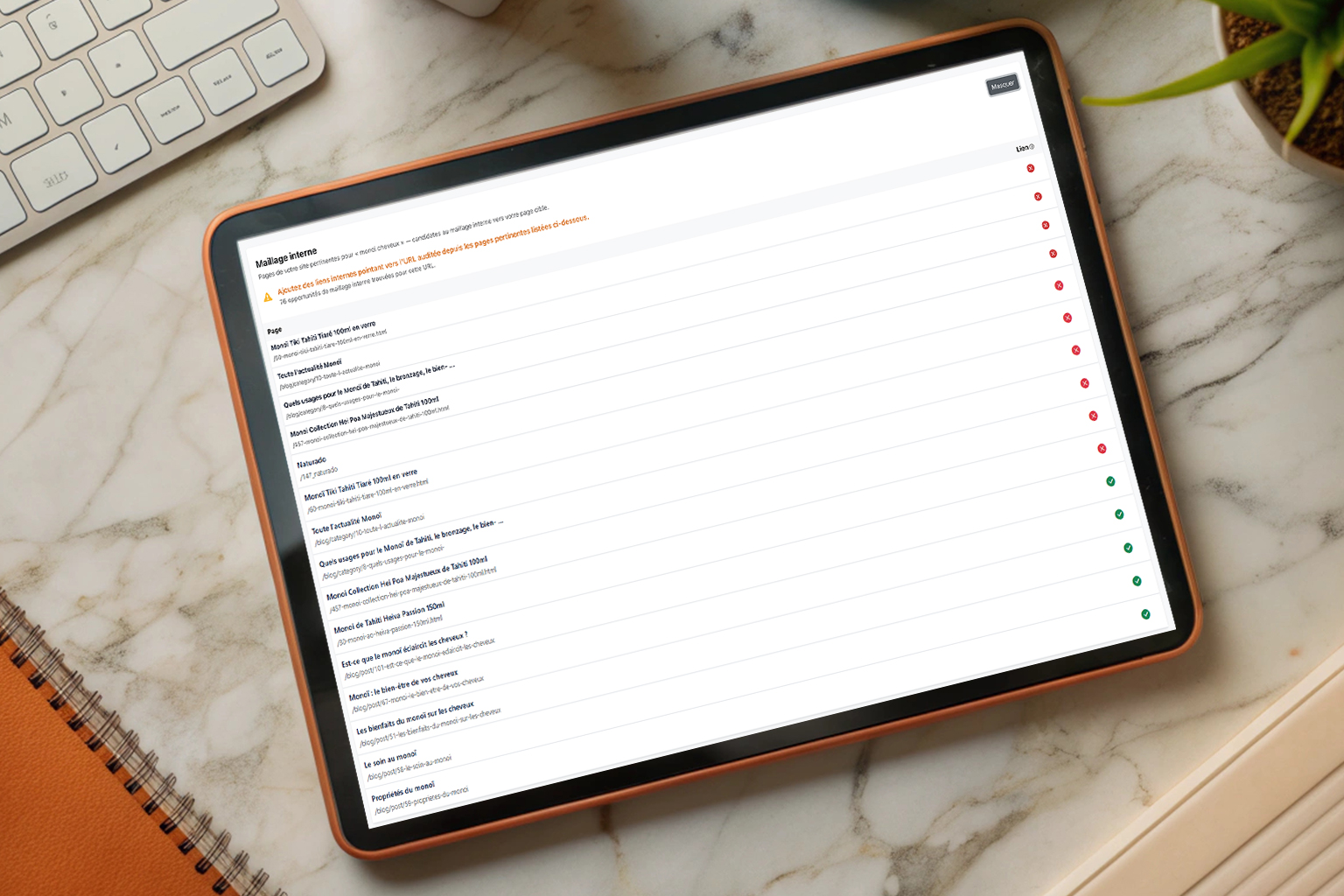
Horusium looks for the pages on your own site that are relevant to your keyword. For each page, it checks whether a link already exists and suggests an optimized anchor based on semantic analysis.
Page structure
Word count, number of H2-H3 headings, share of words in titles: each metric is compared to the range observed among the top 10 competitors.
Title and Meta description
The length of your title tag and meta description is compared to competitor standards. You see whether they are too short, too long, or within the ideal range.
Exact keywords
Checks the presence of your keyword in the title, the H1 and the content. For compound phrases, the level of match is specified: exact, partial or absent.
Speed metrics
The TTFB (server response time) and the total load time of your page are measured and compared to competitors through a bar chart.
Netlinking
Horusium retrieves the number of referring domains, the Citation Flow and the Trust Flow of your page and of each competitor. You can thus assess your popularity against the top 10 and identify the effort needed to stay competitive.
After the audit
Optimize your page, then measure your progress directly in Horusium.
Re-analyzes your page, recomputes every score and checks the linking suggestions. Up to 20 refreshes per audit. Ideal to measure your progress after each change.
Re-runs the full analysis from the Google results. Useful if the top 10 has changed or if you want to start from scratch. Uses 1 credit.
Remove irrelevant pages from the comparison (directories, forums, etc.). You can also exclude specific terms. The analysis updates automatically.
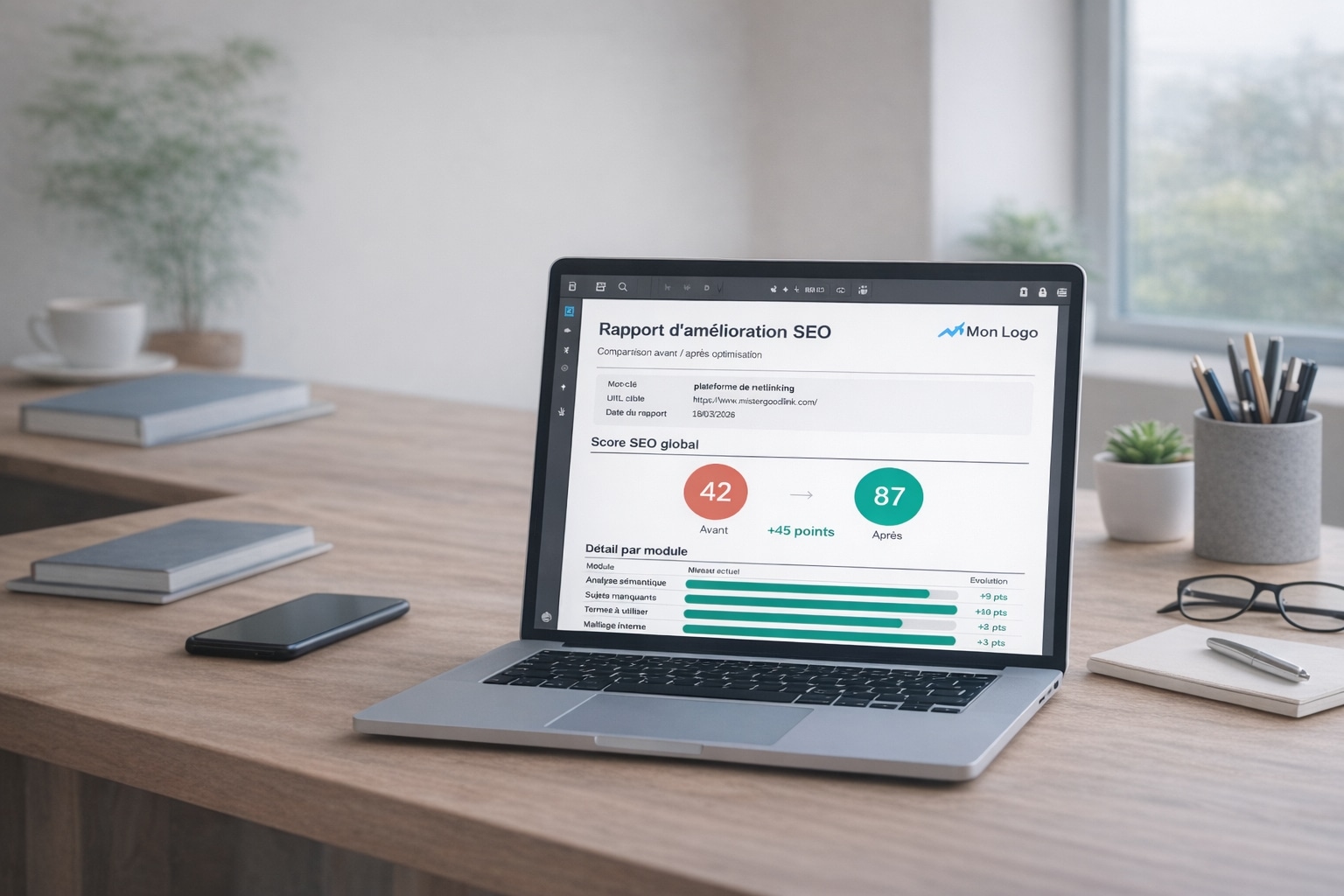
Generate a professional before/after report with your logo. The score, the various modules and the actions taken are compared to the audit's initial snapshot.